DIY Cloud Wizard 🪄
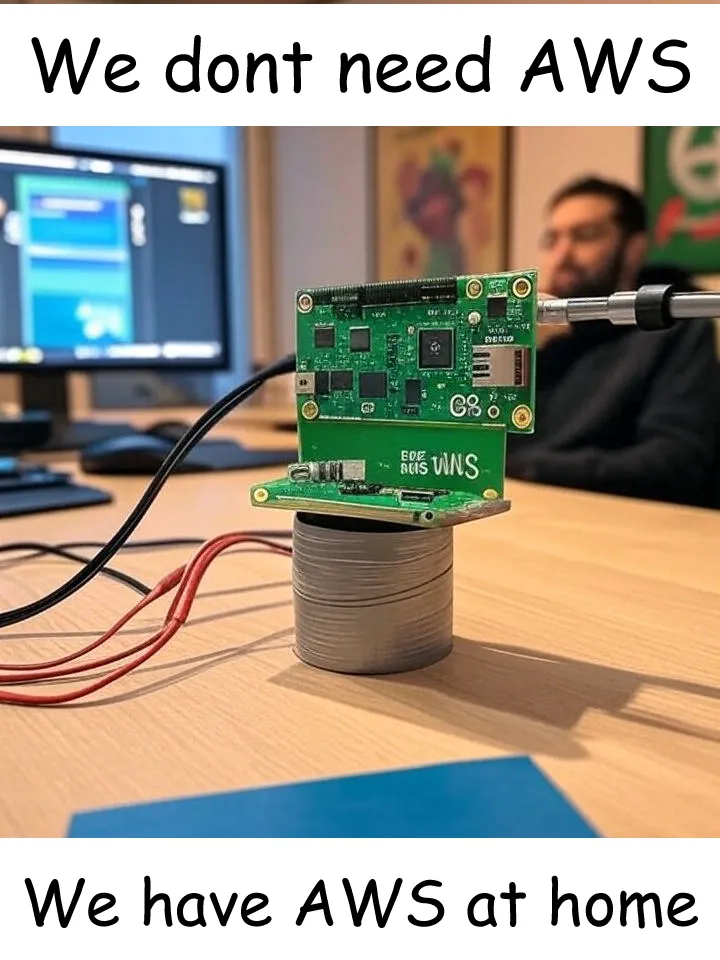
Ever wanted to host your apps running on localhost straight to the internet?
Be careful—now you won’t be able to say “it works on my local”.
Because sometimes
localhost:3000just isn’t spicy enough. 🌶️
🧙♂️ What You’ll Need to Channel Your Inner Tech Sorcerer
- A domain – Your digital real estate. Your little castle in the vast internet kingdom.
- A personal computer – Your trusty steed. Doesn’t need to be a supercomputer, just something that won’t faint when you open 47 Chrome tabs.
1️⃣ Register Your Domain with Cloudflare
(AKA Claim Your Internet Throne)
First things first—register your domain with Cloudflare.
You can use Cloudflare’s documentation and follow the instructions.
- You can either buy a domain directly from Cloudflare
- Or transfer an existing one (I got mine from Hostinger)
Once you hook it up, it’ll show up in your Cloudflare dashboard.
Congrats 🎉 Step 1 complete!

2️⃣ Install Cloudflare Tunnel
(Your Secret Underground Passage)
Now it’s time to install Cloudflare Tunnel.
This acts as a hidden passageway between your computer and the internet.
Check Cloudflare’s docs for setup.
When you run cloudflared for the first time, it:
- Creates a config file
- Generates credentials
- Adds a certificate (authorizing your system to handle the tunnel)
You’ll use this config file to define ingress rules (where traffic should go). It will look something like this.
ingress:
  - hostname: my-awesome-project.myDomain
    service: http://localhost:1000
  - service: http_status:404
3️⃣ Tweak Your DNS Records
(The Secret Handshake of the Internet)
This is where you say:
“When someone visits
mycoolapp.mydomain.com, send them to port 3000 on my computer.”
How? By tweaking your DNS records in Cloudflare.
Steps:
- Open your Cloudflare dashboard → Select your domain → Go to DNS Records.
- Add a CNAME record for your subdomain.
- Name → your subdomain (e.g.
app) - Target →
<YOUR_TUNNEL_ID>.cfargotunnel.com
- Name → your subdomain (e.g.
- You’ll find the tunnel ID in the credentials file Cloudflare generated.
- Set Proxy Status to Proxied.
That’s it—now the world knows where to find your localhost.

4️⃣ Fire Up the Tunnel and Watch the Magic Happen
Run cloudflared on your system and boom—your tunnel is alive ⚡.
Start your project locally (Node.js app, Flask server, portfolio site… whatever).
Cloudflare Tunnel takes care of the rest.
Visitors → Your subdomain → Cloudflare Tunnel → Your local server.
It follows the ingress rules you defined and routes traffic correctly.
5️⃣ Go Full Automation Freak 🛠️
If you’re like me, you’ll want to automate everything.
Check out Migaku—a simple script I use to:
- Clone all my projects
- Set them up
- Run them in one go
How it works:
- Uses Docker Compose to spin up each project in its own container. 👉 This means each project needs a Dockerfile that tells Docker how to build it. If you don’t know how to write one yet, it’s worth learning—Docker is a super valuable skill to have anyway.
- Assigns each container a specific port
- Matches those ports to Cloudflare Tunnel ingress rules

💠 Side Quest: The Rune-Keeper (Environment Variables)
I keep a separate repo for environment variables:
- All
.envfiles are stored as encrypted.encfiles - Migaku decrypts them with a secret key when needed
- Docker Compose consumes them seamlessly
Yes, I’m literally storing my env files on GitHub.
But don’t worry—it’s secure: AES-256 encryption with one password stored only in my brain 🧠.
Without the password, the .enc files are useless.

🎉 And Voilà! You’re a Self-Hosting Superstar
With Cloudflare Tunnel, your projects are:
- Live 🌍
- Secure 🔒
- Accessible 🚀
All from your own computer—no cloud bills, no corporate overlords.
So go forth, show off your work, and let the internet bask in your brilliance.